Logging In & First Steps
Once your account is set up, here's what to do when you first log in to GroundedAg.
Logging In
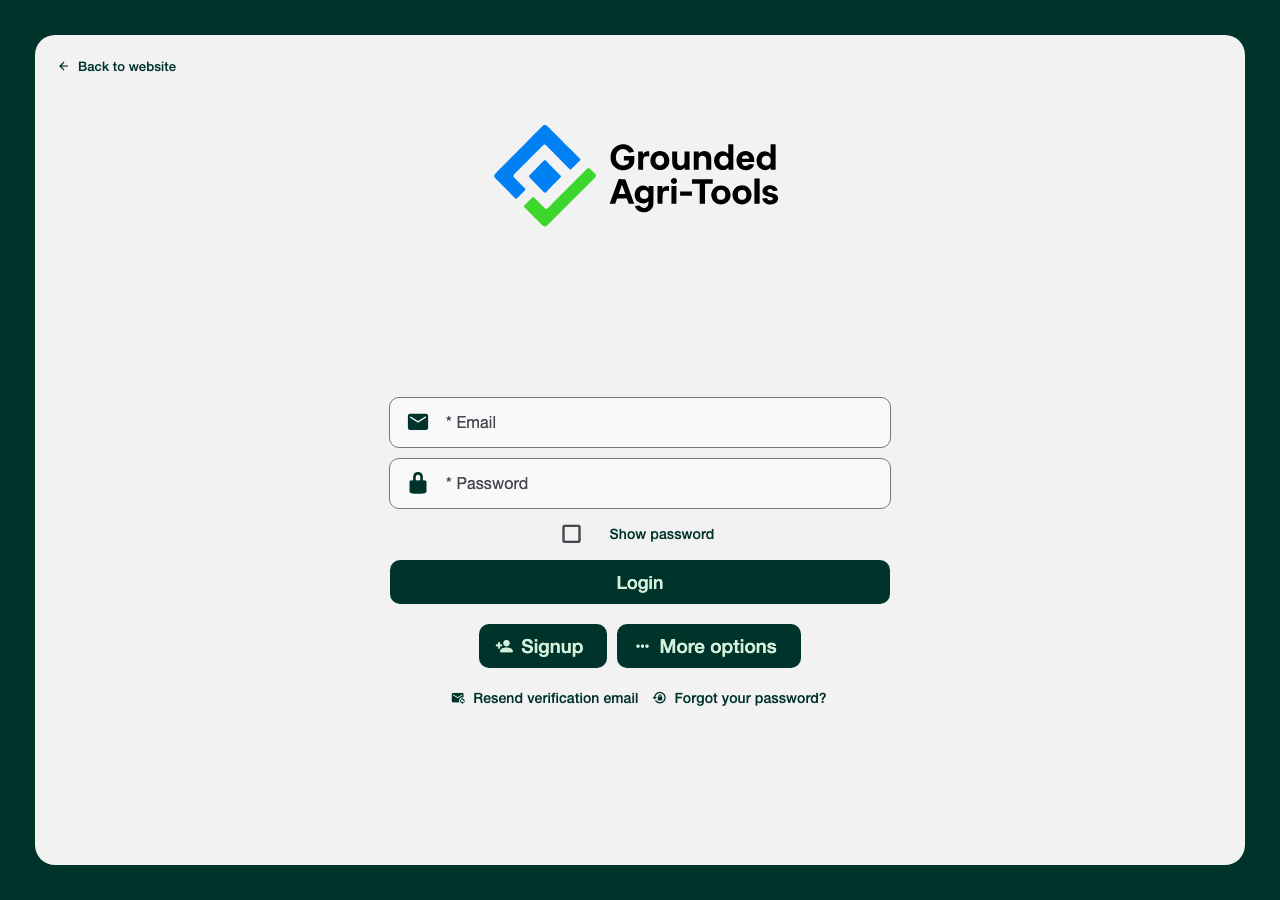
- Web Application: Visit the GroundedAg web portal and enter your email and password
- Mobile Apps: Open the iOS or Android app and log in with the same credentials
- Forgot your password? Use the "Forgot your password?" link on the login screen to get a reset email. Didn't get your verification email after signing up? Use "Resend verification email" on the same screen.
First-Time Setup Wizard
The first time you log in with a brand-new organization, GroundedAg walks you through a short setup wizard before dropping you on the map. You'll see a "Free Trial Active" banner (14 days, no credit card needed) and a welcome screen, then a series of steps:
1. Add a Grower & Farm
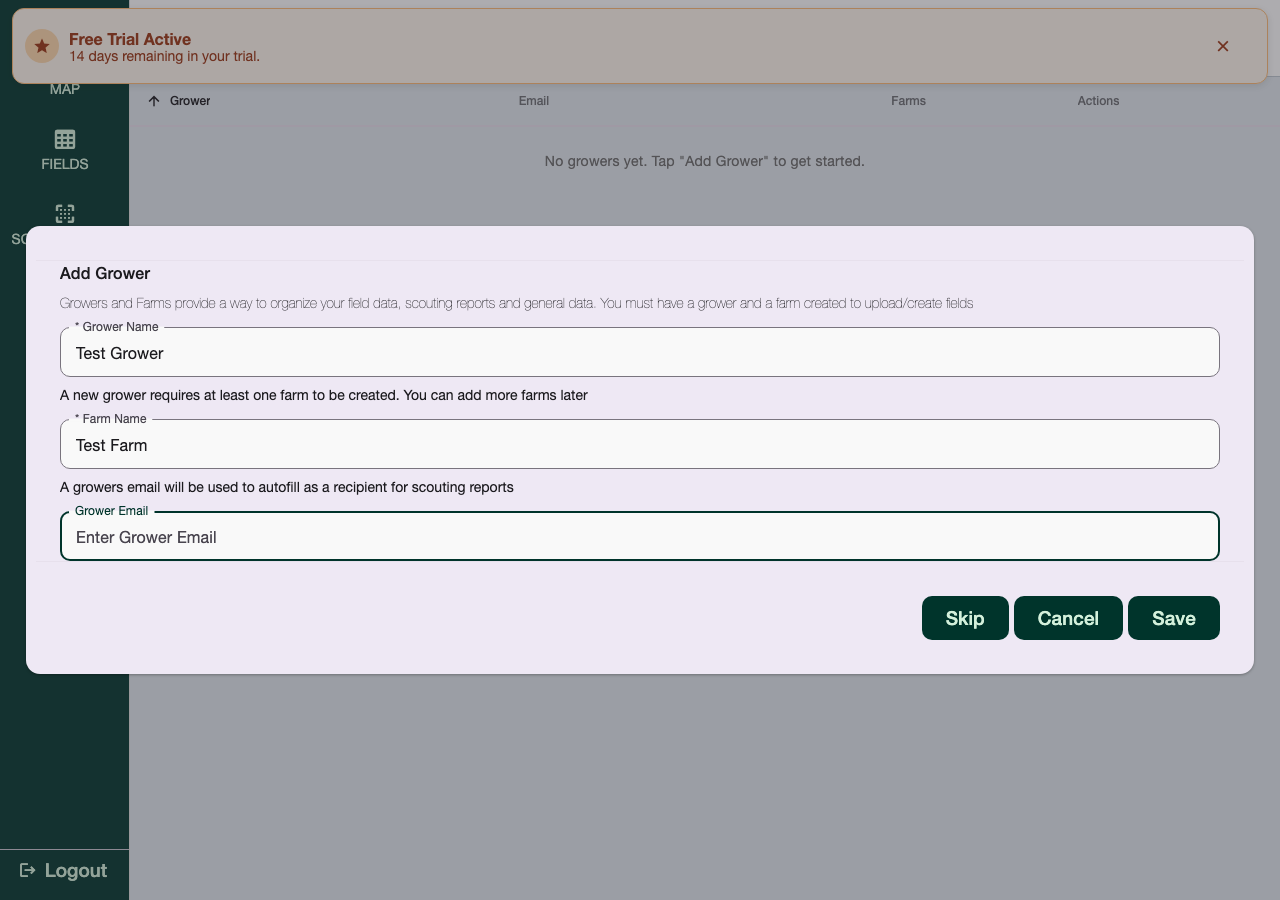
You must have at least one Grower and one Farm before you can create or upload fields. The wizard prompts for a Grower Name, a Farm Name, and an optional Grower Email (used to auto-fill as a report recipient later). You can skip this and come back to it under Settings at any time.
2. Add Organization Crops
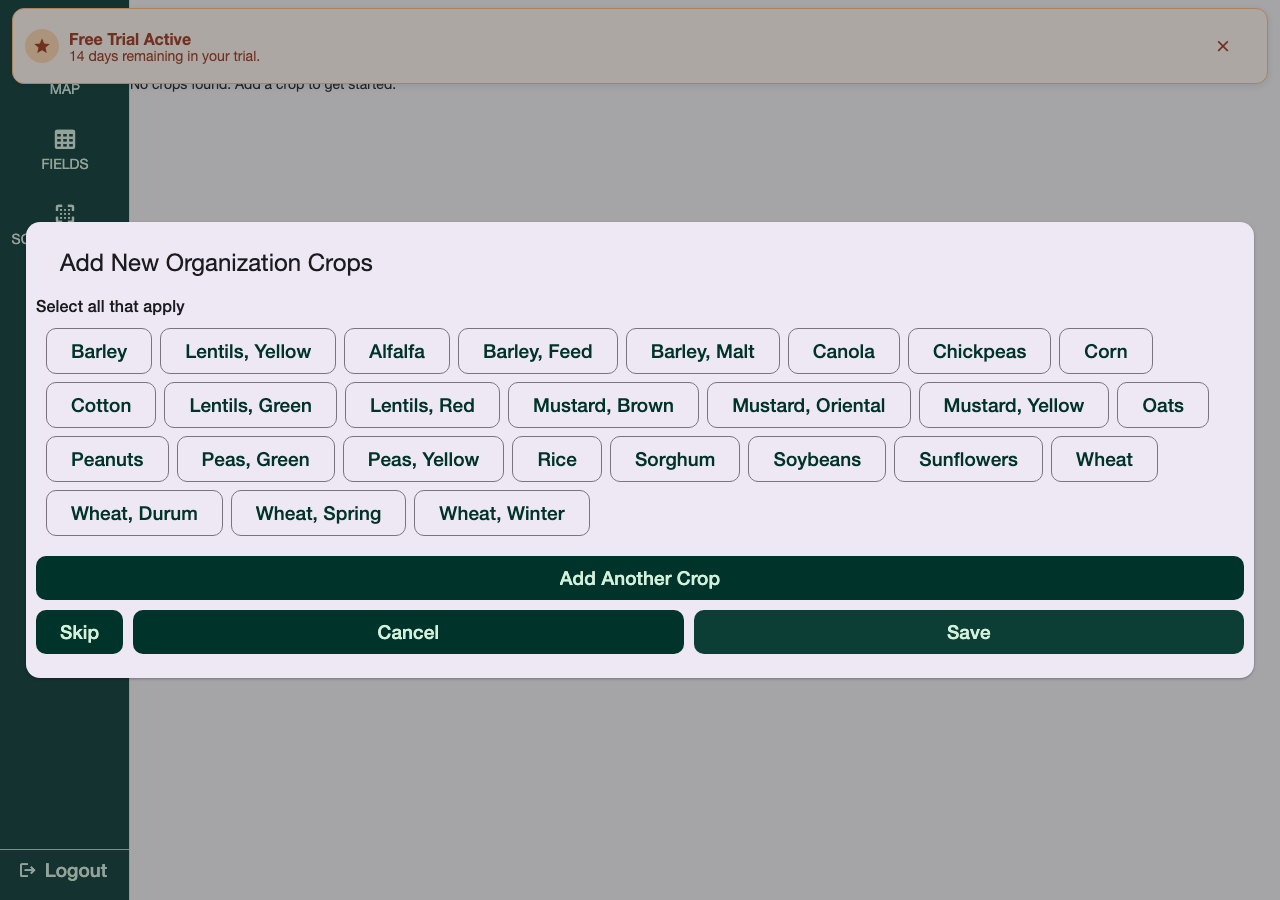
Next, select which crops your organization works with from a checklist (Barley, Canola, Wheat varieties, Lentils, etc.), or add a custom one. This list is what shows up when assigning a crop to a field later.
3. Pests & Products
The wizard continues on to set up the pests (weeds/insects/diseases) and products your organization tracks, following the same pattern. Every step can be skipped and configured later from Settings.
Once you're through the wizard (or skip it), you land on the Map tab.
Navigating the App
The sidebar (web) / bottom bar (mobile) has these sections:
- Map - View your fields and start scouting reports from a field's action menu
- Fields - Manage field boundaries and metadata
- Scout-Report - View and manage your scouting reports (Draft / Review / Finished)
- Sampling - Soil/tissue sampling jobs — only shown for organizations enrolled in this beta feature
- Settings - Growers, farms, crops, pests, products, team, and billing
- Feedback - Send feedback directly to the GroundedAg team
Permissions & Access
Your access level depends on your account type, set by your organization administrator:
- Organization Admin - Full access, including organization and billing settings
- Agronomist - Creates and manages scouting reports and recommendations
- Scout - Records field observations
- Grower - Views reports and data for their own fields
If you believe you need different permissions, contact your organization administrator.
Troubleshooting Login Issues
Can't remember your password?
- Click "Forgot your password?" on the login screen
- Enter your email address
- Follow the password reset link sent to your email
Still having issues?
- See Troubleshooting for common problems
- Contact support: https://groundedag.com/contact