Creating Your Account
Getting started with GroundedAg is simple. Follow these steps to create your account.
Step 1: Go to the Sign Up Page
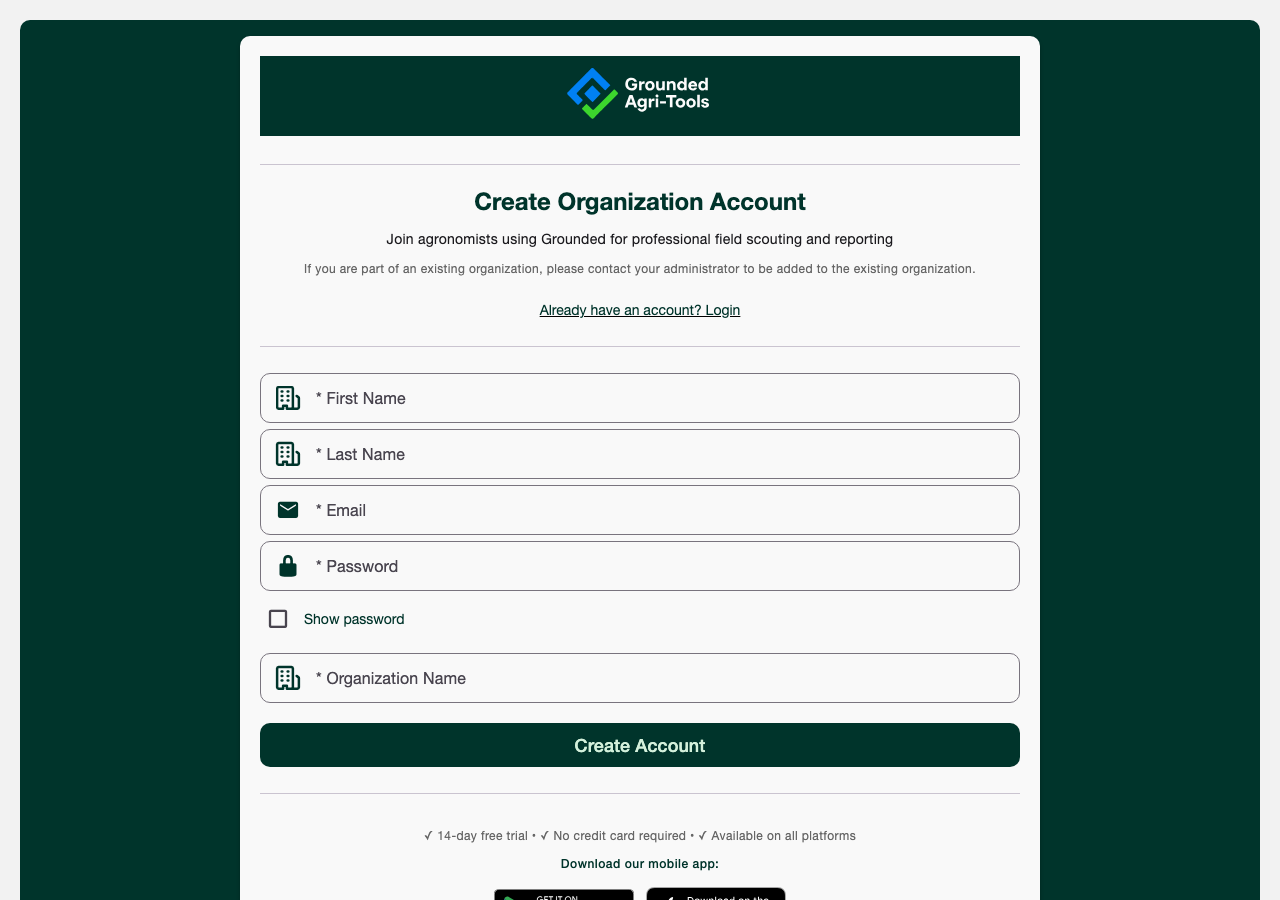
Visit the GroundedAg web application and click "Sign Up", or open the mobile app and tap the equivalent option. This takes you to the Create Organization Account page.
If your company already has a GroundedAg organization, don't sign up here — this form creates a brand new organization. Ask your administrator to add you to the existing one instead.
Step 2: Enter Your Information
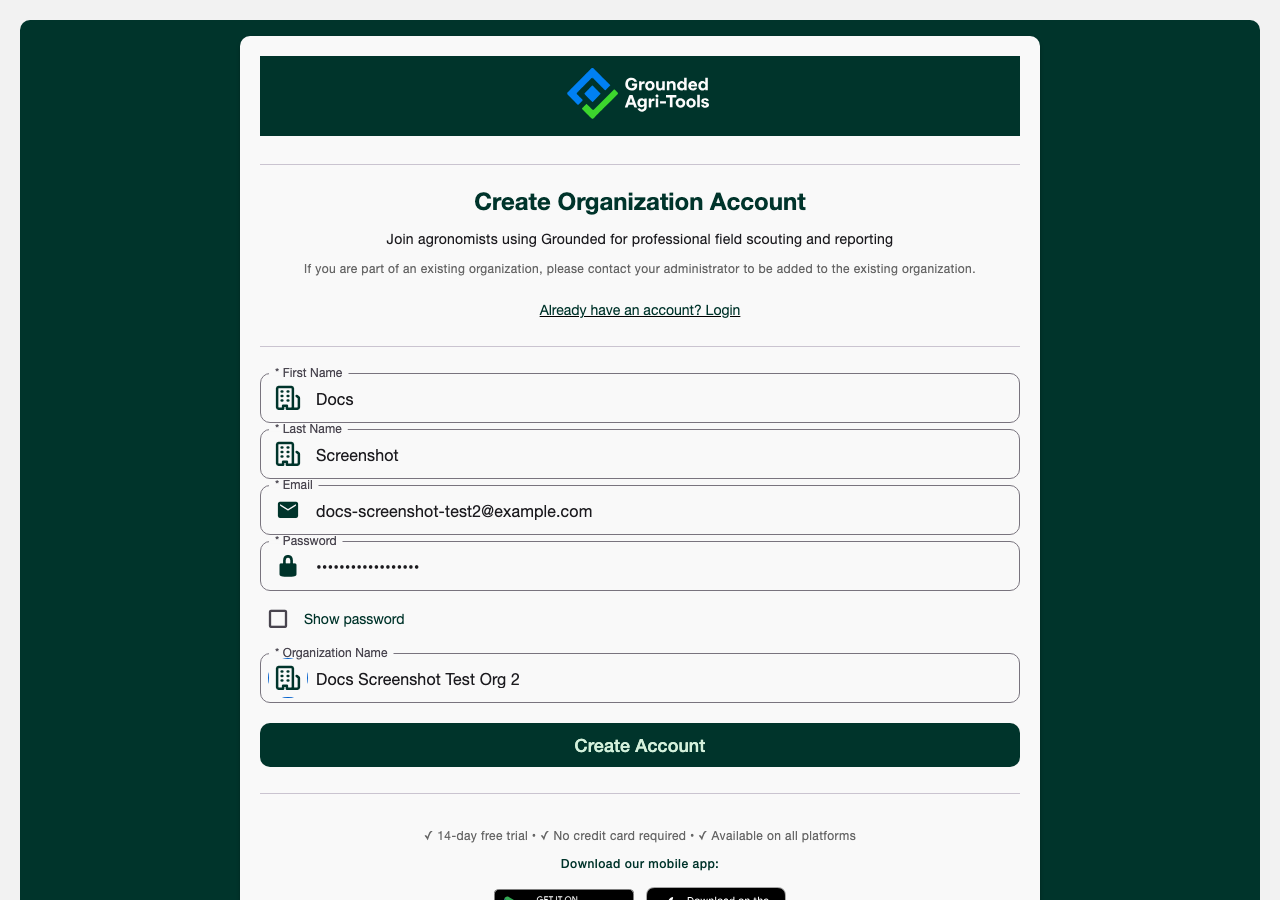
You'll need to provide:
- First Name (required)
- Last Name (required)
- Email Address (required, must be valid and unique)
- Password (required)
- Organization Name (required) — this creates a new organization that you'll be the administrator of
Signup is free to start: a 14-day trial with no credit card required.
Step 3: Verify Your Email
After clicking Create Account, you'll land on an Email Verification Pending screen. Check your email for a verification link and click it to confirm your account — this is required before you can log in.
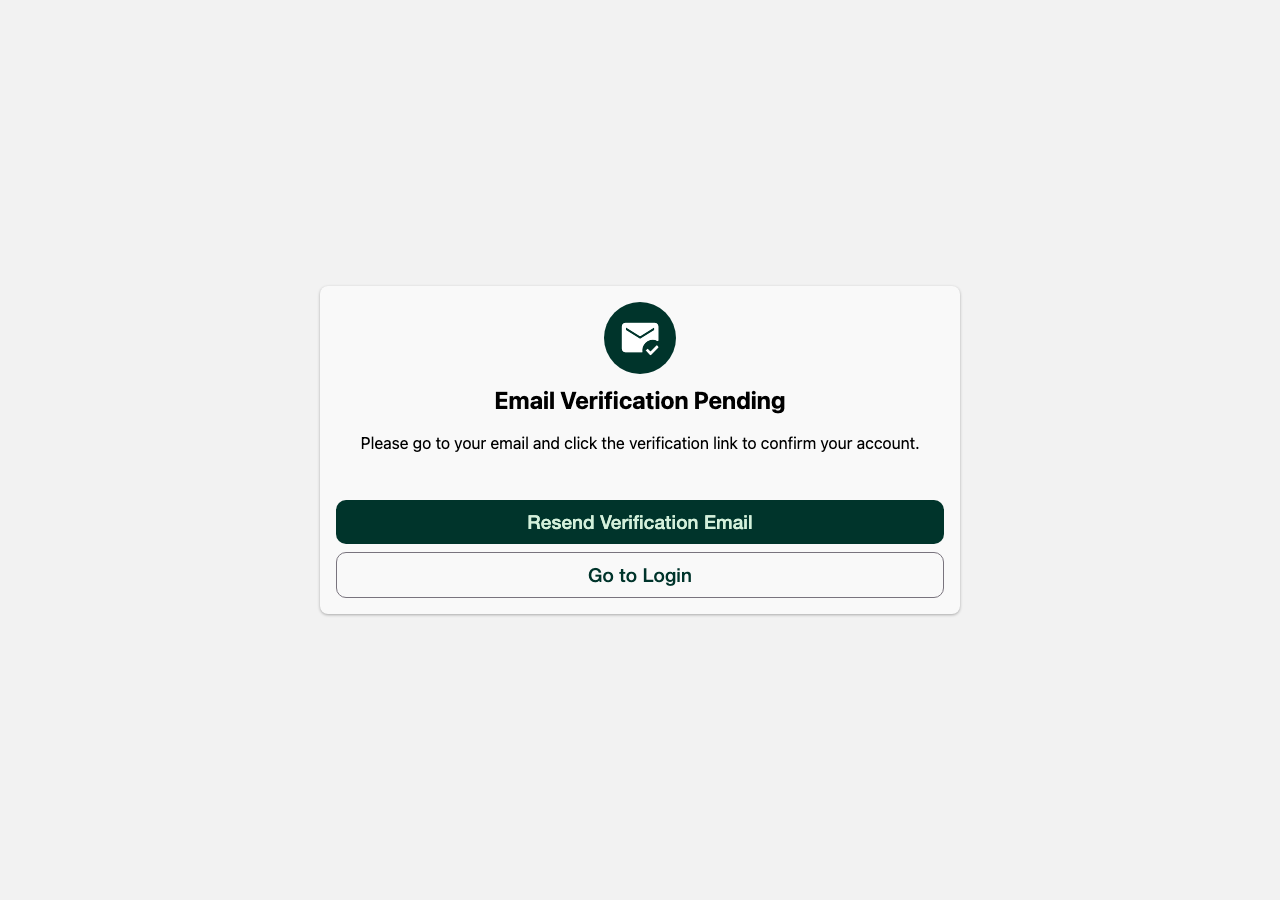
Use the Resend Verification Email button on this screen. If you still don't see it, check your spam/junk folder.
Step 4: Log In
Once your email is verified, click Go to Login and sign in with your credentials. You'll be ready to start creating scouting reports!
Setting Up Your Organization
When you first log in, you may need to configure your organization settings:
- Create a Grower - Add farmers/growers you work with
- Add Farms - Create farms associated with each grower
- Upload Fields - Add field boundaries and details
See Field Management for more details.