Settings & Administration
Access everything in Settings from the left sidebar. What you see there depends on your account type — Grower accounts see a reduced menu (no Scouting Data section, no Growers or Agronomy Data Settings), and Billing only appears for your organization's Admin (there's exactly one Org Admin per organization).
For an Org Admin, Settings is organized into four sections:
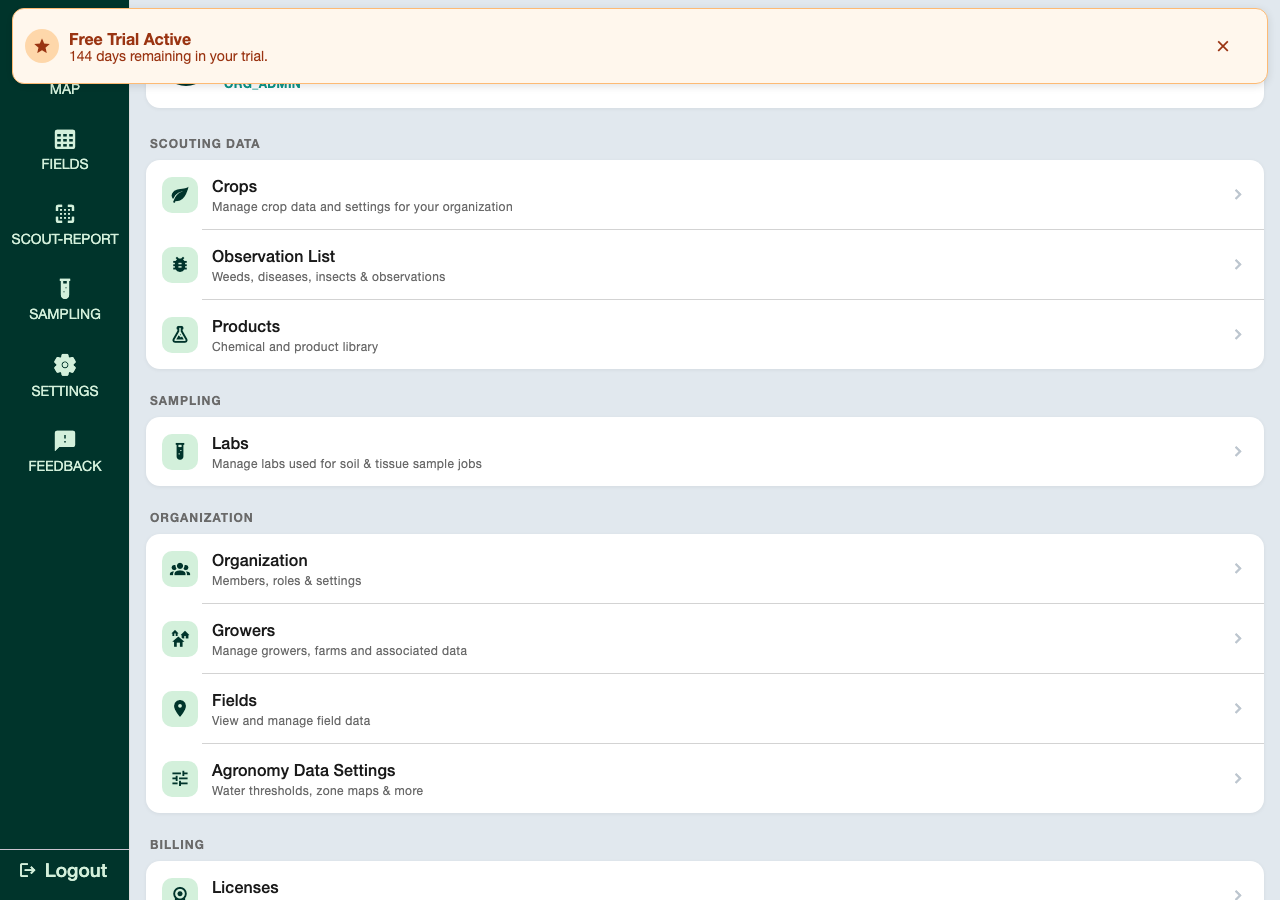
Scouting Data
Configure the libraries your team uses when creating scouting reports.
| Setting | What It Does |
|---|---|
| Crops | Manage the list of crop types available when setting up fields |
| Observation List | Manage the weeds, diseases, insects, and general observations your team can select |
| Products | Manage your chemical and product library for recording treatment applications |
Organization
Manage your team, growers, fields, and agronomy settings.
| Setting | What It Does |
|---|---|
| Organization | Manage members and organization-level settings — see Team Management |
| Growers | Add, edit, and manage growers and their associated farms |
| Fields | View and manage all field data across your organization |
| Agronomy Data Settings | Opens a dialog with Water Threshold and Zone Maps configuration |
Billing
Who can do this
Only your organization's Admin (Org Admin) sees this section.
| Setting | What It Does |
|---|---|
| Licenses ("Manage Seats") | Purchase and manage seat licenses for your team |
| Billing & Payment | Manage your payment method via Stripe — not shown on iOS (see Billing & Licenses) |
Advanced
| Setting | What It Does |
|---|---|
| Background Tasks | View queued and running background tasks |
| Empty Cache | Force the app to refetch all data from the server — use when data looks stale |
Empty Cache
Empty Cache forces the app to discard its cached copy of your data and re-fetch everything from the server. Use it only when something looks out of date and a normal refresh hasn't fixed it.