Organization Settings
Configure your organization's scouting libraries and agronomy settings.
Only your organization's Admin (Org Admin — there's exactly one per organization) can access these settings.
For managing team members and Grower accounts, see Team Management.
Scouting Data Libraries
These settings control what your team can select when creating scouting reports.
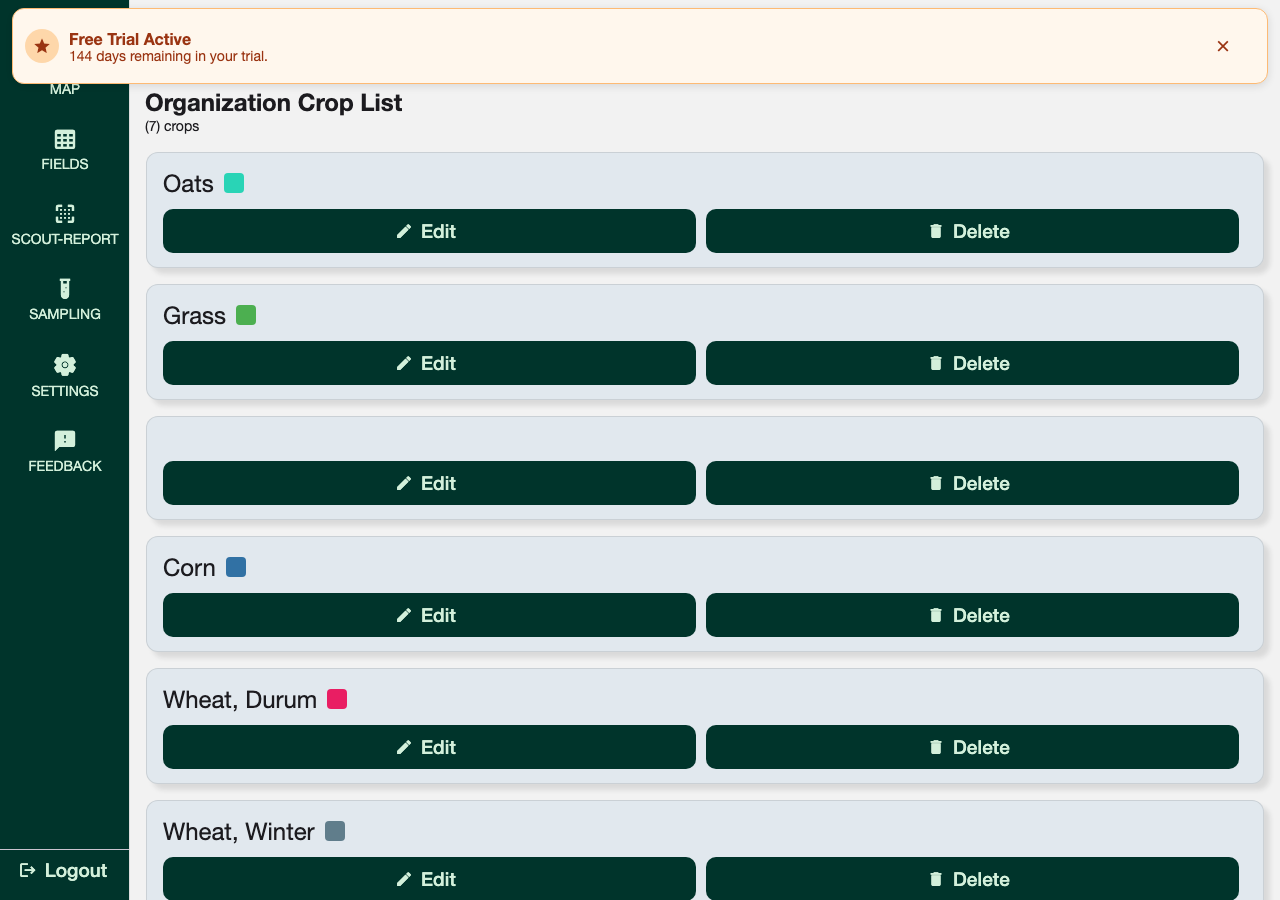
Crops
Go to Settings → Crops to manage the crop types available in your organization.
Observation List
Go to Settings → Observation List to manage the weeds, diseases, insects, and general observations your scouts can record.
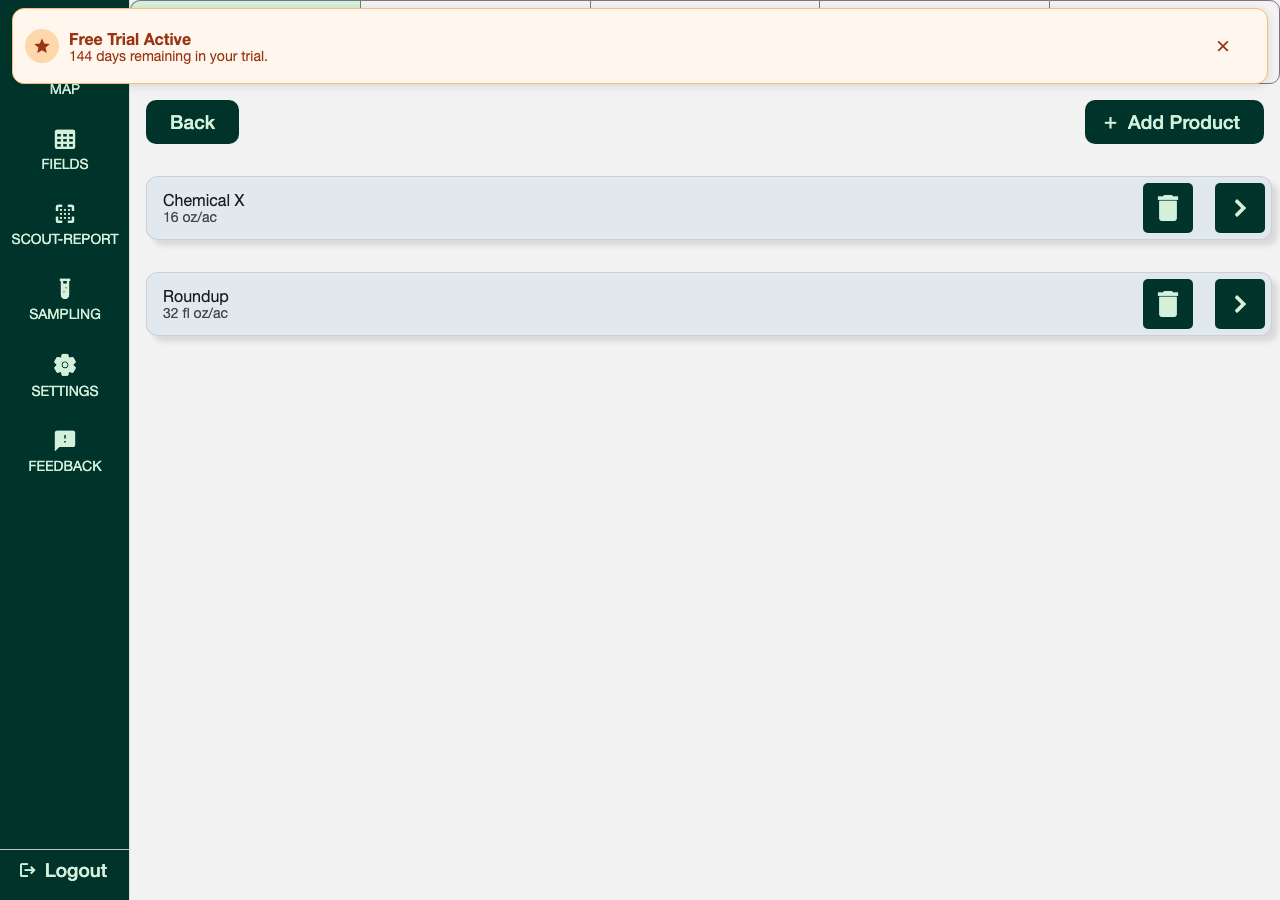
Products
Go to Settings → Products to manage your chemical and product library — the products scouts can reference when logging treatment observations.
Agronomy Data Settings
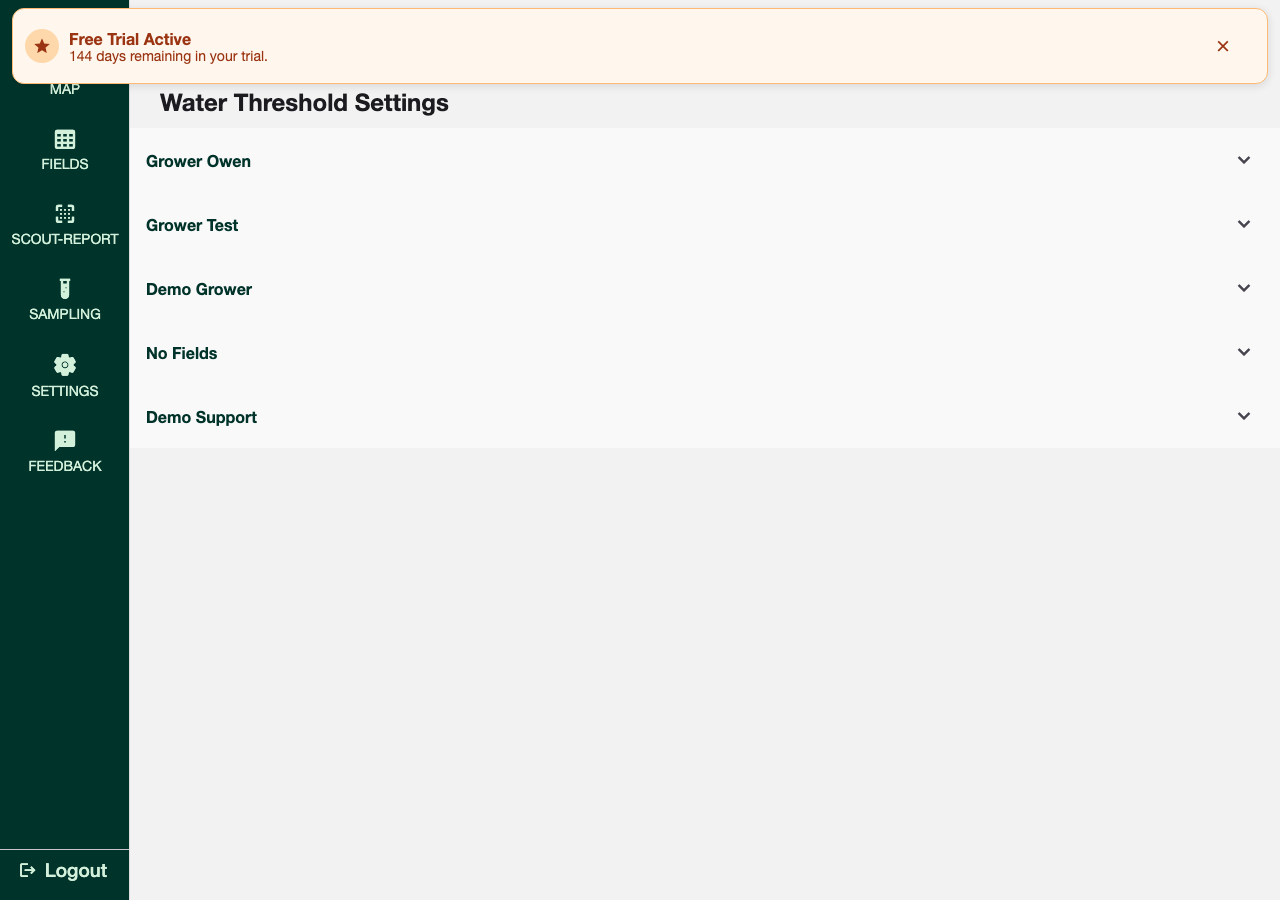
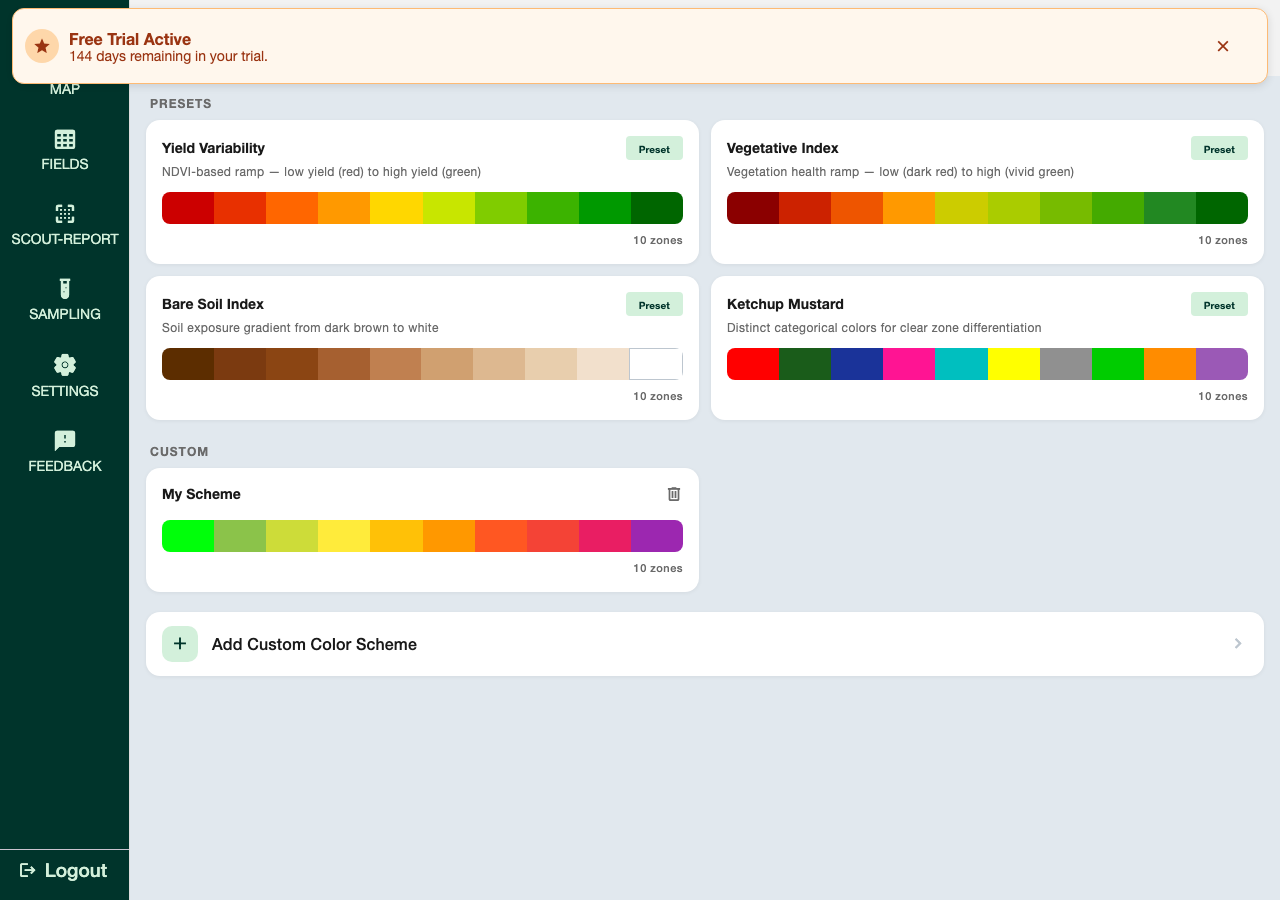
Go to Settings → Organization → Agronomy Data Settings to open a dialog with two options:
- Water Threshold — configure water threshold values by crop
- Zone Maps — manage zone maps for your organization, including color scheme presets
This row isn't shown to Grower accounts.
Troubleshooting
Can't find these settings:
- Confirm you're logged in as the organization's Admin — these sections aren't visible to Scout, Agronomist, or Grower accounts
Changes not showing for other users:
- Other users may need to refresh, or use Settings → Empty Cache, to see updates